
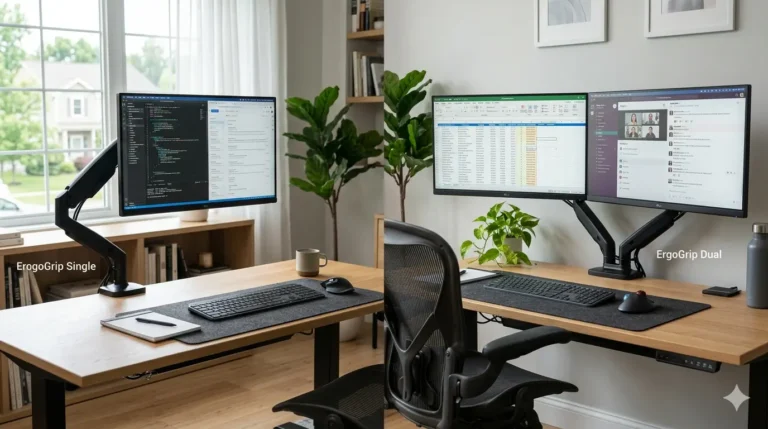
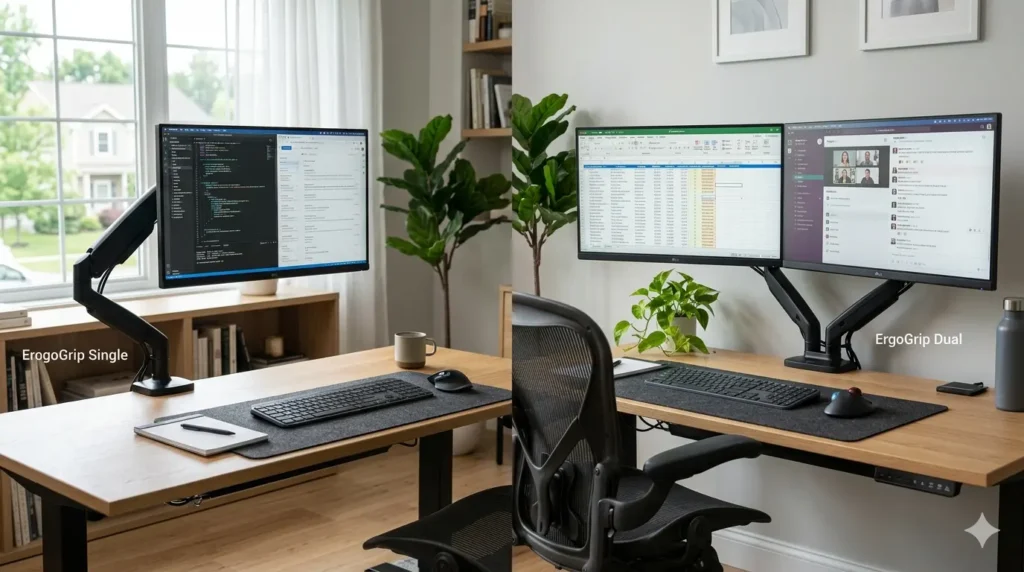
Single vs dual monitor arms is one of the most common decisions people face when upgrading their workspace. While both options help improve ergonomics and desk organization, the right choice depends on your workflow, available desk space, and productivity needs.
When I first upgraded my workstation, I started with a single monitor arm because it was simple and affordable. Later, after adding a second monitor, I quickly realized how much flexibility a dual monitor arm could provide. However, dual setups are not always the best solution for everyone.
In this guide, we’ll compare single and dual monitor arms to help you decide which setup fits your workspace best.
What Is a Single Monitor Arm?
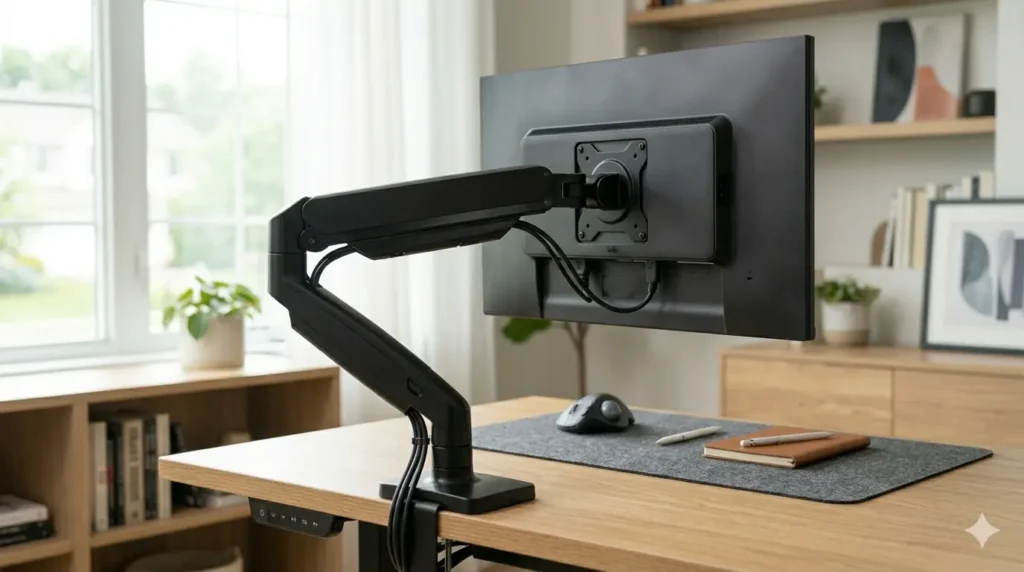
A single monitor arm supports one monitor and attaches directly to the desk using a clamp or grommet mount.
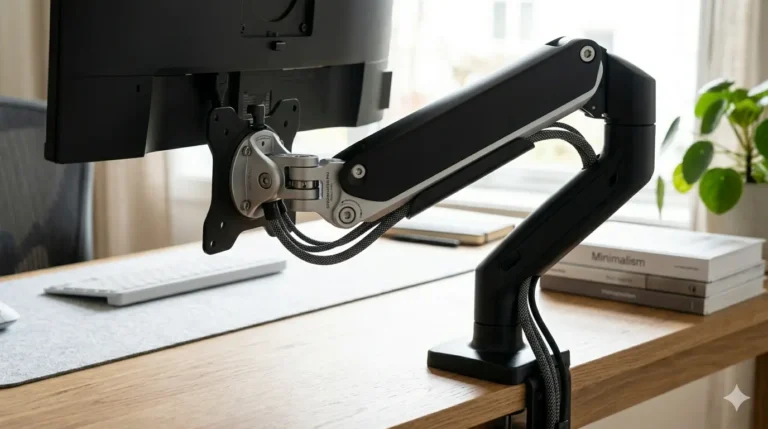
Benefits include:
- lower cost
- easier installation
- less desk weight
- simple cable management
- ideal for compact workspaces
Single monitor arms are perfect for users who primarily work with one screen.
What Is a Dual Monitor Arm?
A dual monitor arm supports two monitors using a shared mounting system.
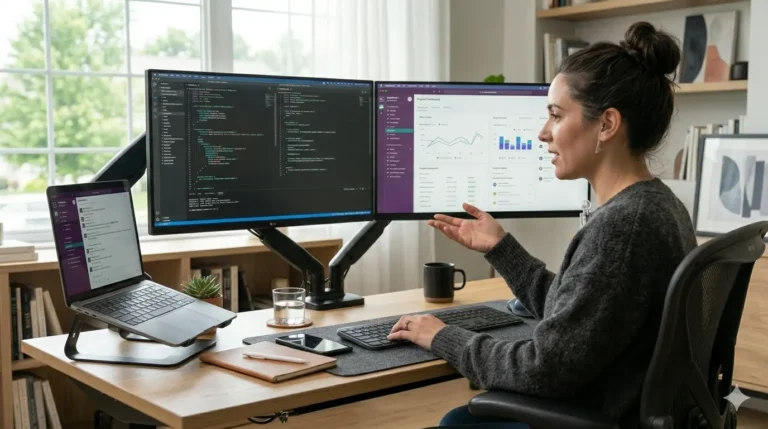
Benefits include:
- more screen space
- improved multitasking
- better workflow organization
- cleaner dual-monitor setup
For professionals who regularly switch between applications, dual monitor arms can significantly improve productivity.
Which Option Saves More Desk Space?
Both options save desk space compared to traditional monitor stands.
However:
Single Monitor Arm
Best for:
- small desks
- minimalist setups
- students
- casual users
Dual Monitor Arm
Best for:
- larger workspaces
- professionals
- content creators
- multitasking-heavy workflows
Which Is Better for Productivity?
Productivity depends largely on how you work.
If you regularly use:
- spreadsheets
- design software
- research documents
- multiple browser windows
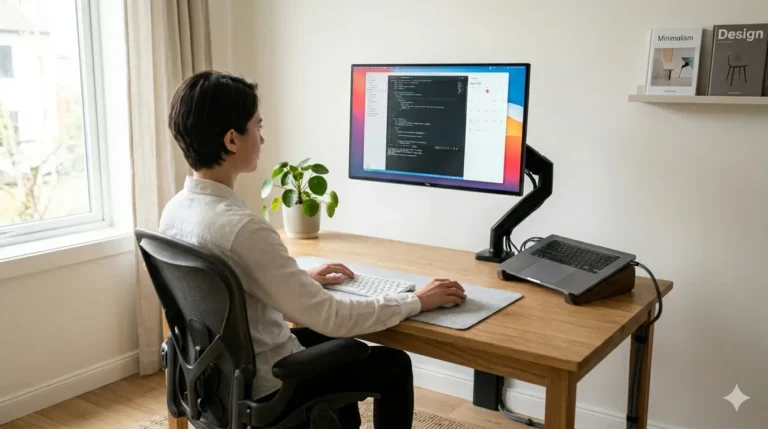
A dual monitor arm may offer significant benefits.
For simpler tasks such as:
- writing
- browsing
- studying
A single monitor arm is often more than enough.
Do Dual Monitor Arms Improve Posture?
Not automatically.
The real posture benefit comes from proper monitor positioning.
Whether you use one or two monitors, the screens should sit:
- at eye level
- at a comfortable viewing distance
- directly in front of you
Proper monitor placement can help reduce neck strain and encourage better sitting posture.
Single vs Dual Monitor Arms: Cost Comparison
One of the biggest differences between single and dual monitor arms is price.
Single Monitor Arms
Typically:
- more affordable
- easier to install
- fewer adjustment points
Dual Monitor Arms
Typically:
- more expensive
- heavier
- offer greater flexibility
For many users, a single monitor arm provides excellent value without additional complexity.
Additional Comfort Benefits
Both monitor arm types can help:
- improve desk organization
- free valuable workspace
- simplify cable management
- improve workstation aesthetics
They also pair well with:
- laptop stands
- footrests
- ergonomic seat cushions
🏆 Our Top Choice
Single Monitor Arm for Most Users
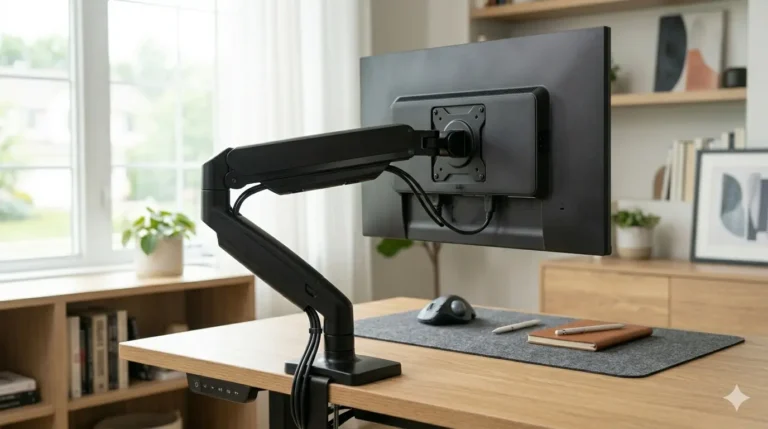
For the average desk worker, student, or remote worker, a quality single monitor arm provides the best balance of comfort, flexibility, and value.
Why It Stands Out
- Affordable
- Easy installation
- Excellent desk-space savings
- Improved ergonomics
- Suitable for most setups
Related Comfort Guides
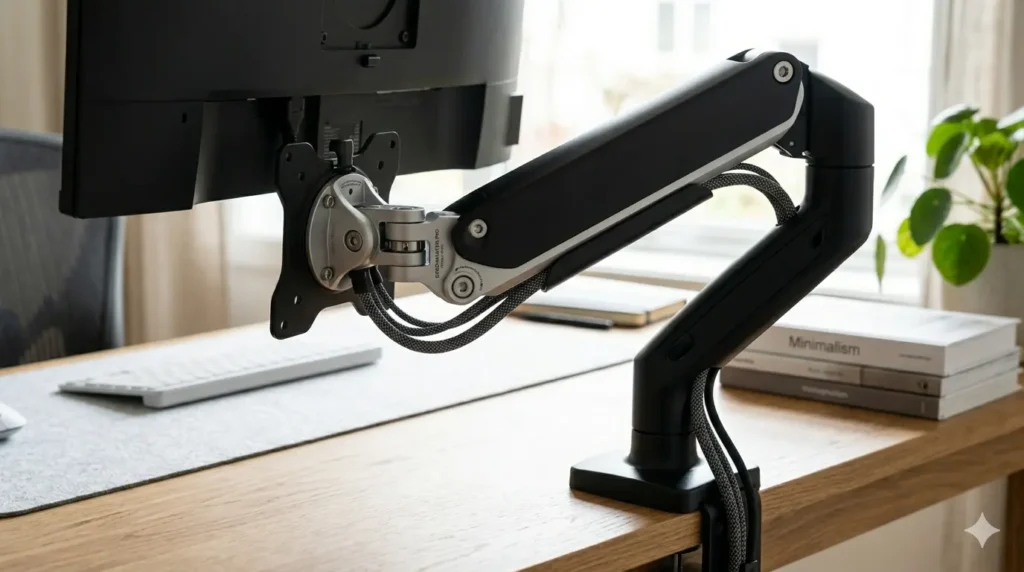
Best Monitor Arms for Small Desks
Save valuable desk space and create a cleaner, more organized workspace with monitor arms designed for compact desk setups.
Are Monitor Arms Worth It?
Learn how monitor arms improve ergonomics, free up desk space, and create a more comfortable workstation.
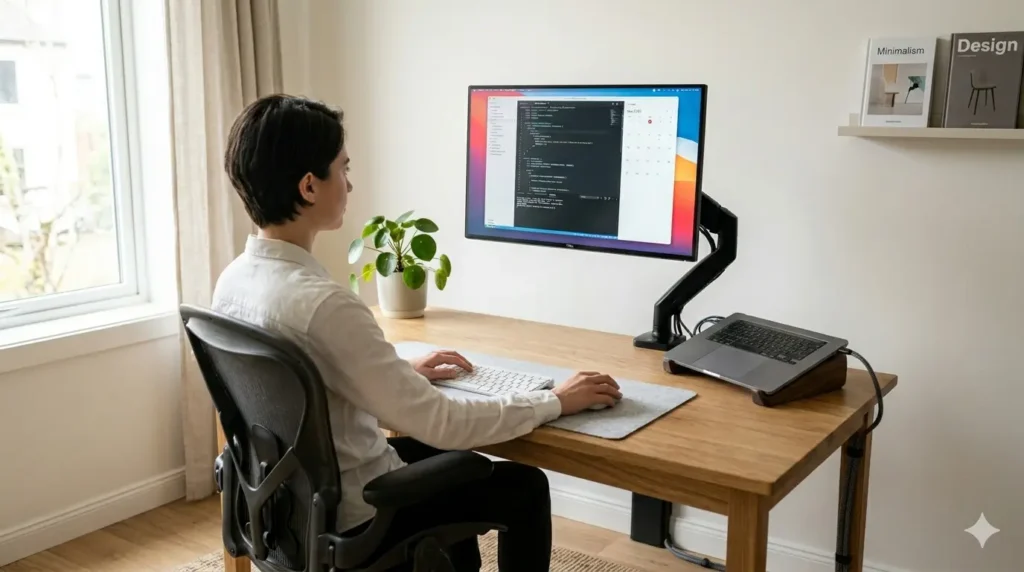
Best Monitor Arms for Work From Home
Discover the best monitor arms for remote work setups to improve comfort, posture, and workspace efficiency.
Do Monitor Arms Improve Posture?
Find out how monitor arms help reduce neck strain, improve screen positioning, and support better posture.
FAQs-Single vs Dual Monitor Arms: Which One Should You Choose?
Is a dual monitor arm worth it?
If you regularly use two monitors for work or productivity tasks, a dual monitor arm can be a worthwhile investment.
Which is better for small desks -Single vs Dual Monitor Arms?
Single monitor arms are usually better for small desks because they require less space and support only one monitor.
Do monitor arms improve productivity?
Monitor arms improve monitor positioning and organization, while dual monitor setups can increase productivity for certain workflows.
Final Thoughts (Single vs Dual Monitor Arms)
The single vs dual monitor arms debate ultimately depends on your workflow and workspace needs.
For most users, a single monitor arm provides everything needed to improve ergonomics and desk organization. However, professionals who frequently multitask across multiple applications may benefit from the added flexibility of a dual monitor setup.